

Amount differences
Compare amounts against matching references to find entries that need clarification.
Upload the two records
Illustrative example with fictional figures
A shared invoice reference can still carry different amounts. The result brings those values together so you can investigate the difference.
Supplier statement + Accounts payable ledger
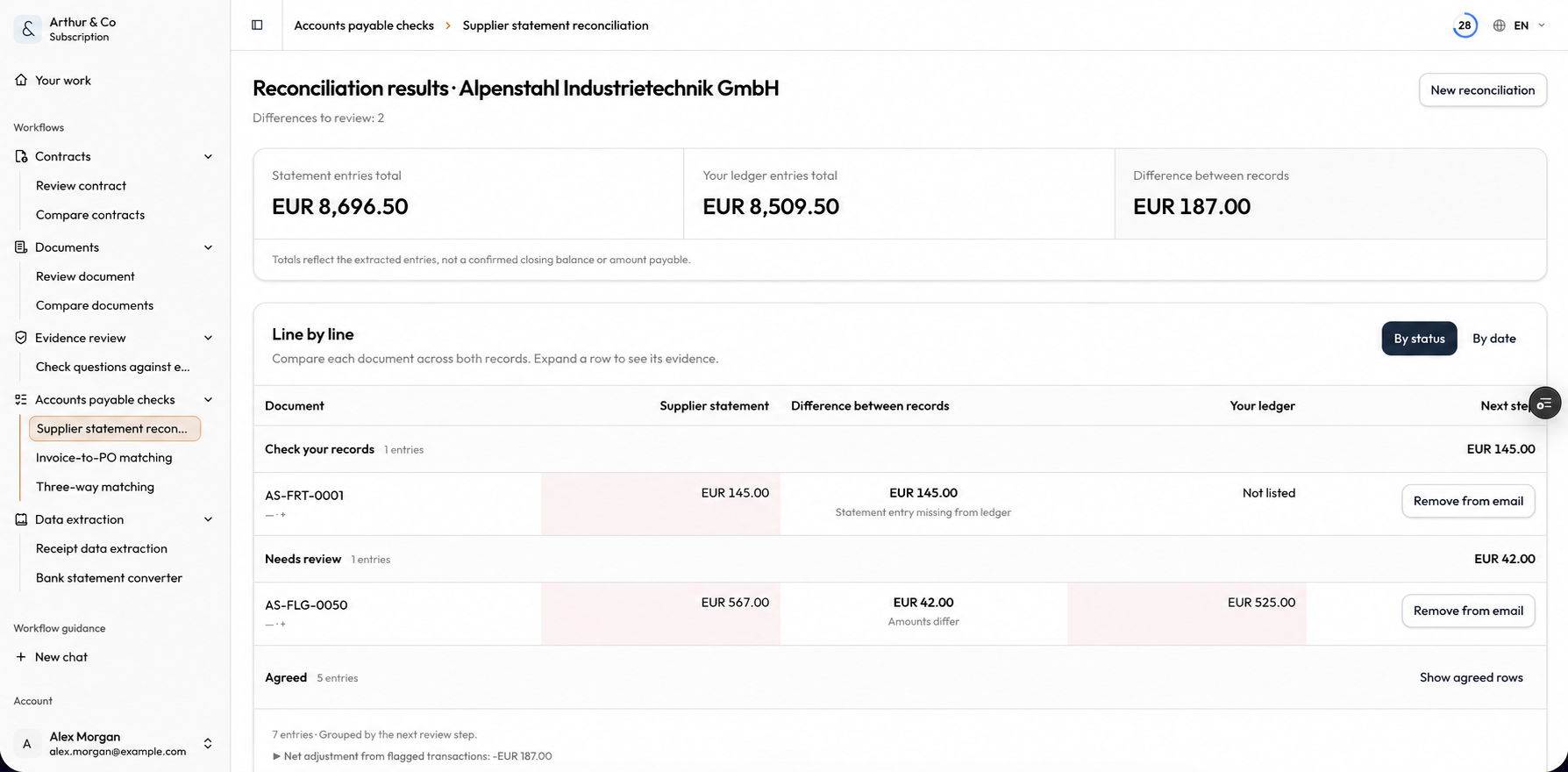
Actual result from fictional inputs
The statement totals €12,450 and the ledger totals €12,000. The workflow matched three invoices and flagged credit note CN-0042, recorded only in the ledger.
The missing-credit finding has low confidence and no linked source page in this run. Check the PDFs and confirm the credit with the supplier before changing the books.
Sample run: 26 September 2026. Source files and downloaded results are in English. Sample details and checks
Read the checking guideYou decide whether to change accounting records or approve a payment.
Use this check for
Start with the right records
Compare amounts against matching references to find entries that need clarification.
Upload the two records
See records found on only one side, including credit notes recorded in the ledger but absent from the statement.
Verify your email
Review repeated statement references and amounts before treating them as separate charges.
Review the comparison
Bank statements that need conversion to Excel or CSV. A single invoice that needs checking against its purchase order.
Start with the right records
Upload your own files and inspect the result on this page.
Your first run is free. For further checks and saved history, choose an Arthur & Co plan.
Use records for the same supplier and period so the comparison has both sides of the account.
Start with the right records
You decide whether to change accounting records or approve a payment.
Supplier statement reconciliation
Your first run is free. For further checks and saved history, choose an Arthur & Co plan.
Have both files ready. Upload them above to start your free comparison.