How to Compare Contract Versions and Track Changes
Manually comparing contract versions is a tedious, error-prone process that wastes valuable time. Contract comparison helps you compare two contract drafts, review changes between versions, and focus on material deviations. Try our Free Contract Analyser for a first-pass contract review.
For contract drafts, use the Contract comparison workflow to review material changes and negotiation risk. For policies, proposals, SOPs, and other non-contract business documents, use the Document comparison workflow.
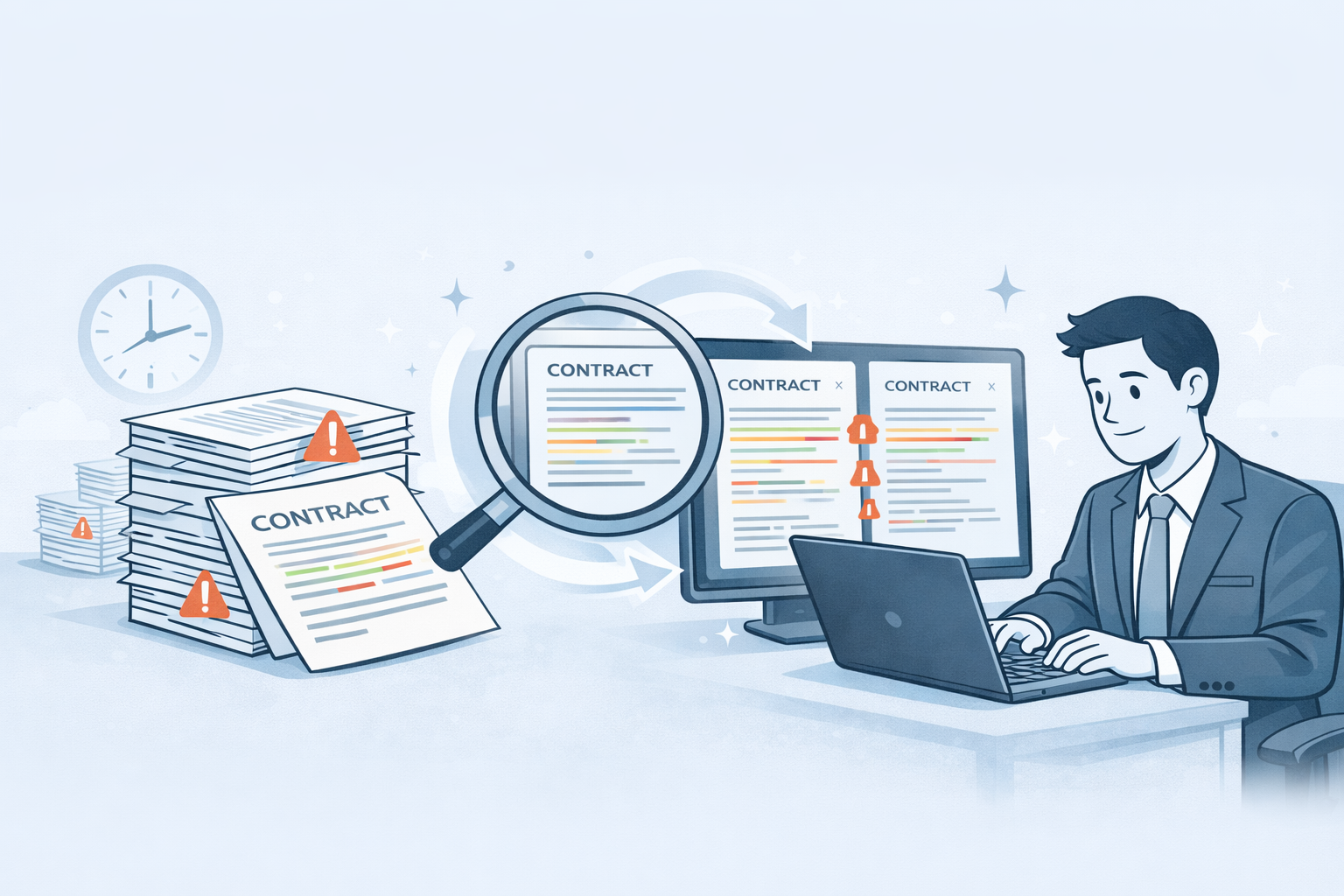
Want version comparison? Upload your contracts to the Contract comparison workflow for automated change detection and review.
The Problem with Manual Contract Version Comparison
Contract negotiations typically involve multiple back-and-forth iterations. A vendor sends their standard terms, you propose changes, they counter with revisions, and the cycle continues. Each version needs careful review to ensure:
- Your requested changes were implemented
- No unfavorable terms were introduced
- Critical protections were not removed
- Compliance requirements still appear in the latest draft
The traditional approach - opening two Word documents side-by-side or printing contracts to compare line-by-line - is painfully slow and prone to human error.
Teams often end up reviewing contract versions line by line to see what changed, which is tiring and easy to get wrong when revisions are subtle.
Version comparison during active negotiations can take significant review time, and subtle changes can still slip through unnoticed.
Why Traditional Redlining Falls Short
Microsoft Word's "Track Changes" feature only helps if:
- Both parties use Word (not PDF)
- Track Changes is actually enabled
- You're working in the same document
In reality, most contract negotiations involve:
- PDF exchanges: Vendors send static PDFs, not editable Word files
- New documents: Each version is a fresh file, not tracked edits
- Subtle rewording: Clauses rephrased with the same meaning but different implications
- Structural changes: Sections moved, renumbered, or reorganized
Traditional redlining tools completely miss these scenarios.
How AI Contract Version Comparison Works
The Contract comparison workflow uses advanced natural language processing to compare contract versions intelligently.
1. Intelligent Document Parsing
Upload both versions (PDF, Word, or images) and Contract comparison automatically:
- Extracts and structures all clauses
- Maps corresponding sections even if renumbered
- Identifies document structure and hierarchy
2. Clause-Level Change Detection
The AI compares every clause between versions and flags:
- Additions: New clauses or terms added to the latest version
- Deletions: Clauses removed from the previous version
- Modifications: Wording changes, even subtle rephrasing
- Structural changes: Sections moved, merged, or split
Unlike simple text comparison, Contract comparison understands context - it knows when a clause was rephrased with the same legal meaning versus when the meaning changed.
3. Risk-Aware Analysis
Not all changes are equal. Contract comparison helps organize each modification for review, such as:
- Critical changes: Liability shifts, indemnification changes, termination rights
- Compliance impacts: Changes affecting regulatory requirements or internal policies
- Financial implications: Payment terms, pricing, fee structures
- Operational effects: Service levels, deliverables, timelines
This structured review helps you prioritize which changes need immediate attention versus routine adjustments.
4. Visual Side-by-Side Comparison
Review changes in an intuitive interface:
- Old version and new version side-by-side
- Highlighted differences color-coded by risk level
- Plain-language explanations of what changed and why it matters
Key Use Cases for Contract Version Tracking
The automated version comparison workflow supports several critical workflows:
Contract Negotiations
During active negotiations, quickly verify:
- Which of your proposed changes were accepted
- What counter-proposals the other party introduced
- Whether compliance requirements remain intact
Instead of working through each revision manually, you can review a structured change summary and focus on the clauses that matter most.
Contract Renewals
When reviewing renewal agreements, automatically detect:
- Pricing changes or hidden fee increases
- Modified service levels or deliverables
- Changes to termination or renewal terms
- New liability or indemnification clauses
Many vendors quietly introduce unfavorable terms during renewals, banking on you not noticing. Contract comparison catches these automatically.
Vendor Amendments
When suppliers propose amendments to existing agreements, quickly see:
- What specific clauses are changing
- How amendments affect your rights and obligations
- Whether the changes align with your approval authorities
Compliance and Audit
Track contract modifications over time to:
- Maintain a record of changes between versions
- Support compliance review requirements
- Document negotiation history
- Prepare materials for internal approvals and legal sign-off
For example, a comparison review may highlight a non-standard auto-renewal clause added during a so-called minor amendment, prompting a closer look before approval.
Comparing contract versions with manual review
The efficiency gains are substantial:
| Task | Manual Review | Contract comparison workflow |
|---|---|---|
| Compare 20-page contract versions | Review two drafts side by side | Upload two versions for structured comparison |
| Identify changes | Reviewer finds edits manually | Workflow highlights additions, deletions, and modifications for review |
| Risk assessment per change | Reviewer assesses significance clause by clause | Workflow organizes changes so reviewers can prioritise key clauses |
| Track changes across multiple revisions | Requires manual file handling and note-taking | Compare version pairs across negotiation rounds |
| Generate summary report | Reviewer prepares a summary manually | Structured output supports review and sharing |
Manual review can be thorough, but it is time-consuming and easy to slow down when documents are long or heavily revised. A structured comparison workflow helps reviewers work more consistently.
How to compare contract versions with Contract comparison
Using Contract comparison for version comparison is straightforward:
Step 1: Upload Both Versions
Drag and drop the original contract and the revised version into the Contract comparison workflow. It accepts PDF, Word, and scanned images.
Step 2: AI Processing
Contract comparison analyzes both documents in under 2 minutes, mapping clauses and identifying all changes.
Step 3: Review Changes
Navigate through a comprehensive change summary:
- List of all modifications with risk scores
- Side-by-side view showing exact differences
- Plain-language explanations of each change
- Gap analysis showing missing protections
Step 4: Export and Share
Use the comparison results to prepare materials for:
- Legal team review and approval
- Procurement sign-off
- Compliance documentation
- Audit trail maintenance
Advanced Features for Contract Version Control
Beyond basic comparison, Contract comparison offers sophisticated version management capabilities:
Clause-by-Clause Annotations
Every clause in both versions receives detailed annotations:
- Plain-language explanation of legal meaning
- Risk assessment specific to your industry
- Comparison to standard market terms
- Suggestions for negotiation points
Multi-Version Tracking
Compare more than two versions simultaneously:
- Track contract evolution across entire negotiation cycles
- Identify when specific changes were introduced
- Visualize negotiation progression over time
Deviation Detection
When comparing against your standard templates, the Contract comparison workflow provides automated deviation detection:
- Flags any departure from your baseline terms
- Scores deviation severity
- Suggests fallback language for negotiations
Related contract review questions
After comparing versions, teams often want to review follow-up questions such as:
- "What indemnification changes were made?"
- "Are payment terms different between versions?"
- "What termination rights changed?"
You can review these issues alongside the contract using the Contract review workflow.
Best Practices for Contract Version Management
To maximize effectiveness when tracking contract versions:
1. Maintain Clear Version Naming
Use consistent naming conventions (for example, "Vendor_Agreement_v1_2026-01-15.pdf") to track chronology and source.
2. Compare Every Revision
Never assume changes are minor or routine. Compare each version, even if described as "administrative updates."
3. Document Rationale for Changes
When accepting modifications, note why they were approved. Contract comparison reports support this documentation.
4. Establish Review Thresholds
Define which changes require legal review versus procurement approval. Use the workflow’s change summary to help prioritise review.
5. Archive All Versions
Keep complete version history for audit purposes. Contract comparison integrates with document management systems for centralized storage.
Common Scenarios Where Version Comparison Saves You
Real situations where automated comparison prevents costly mistakes:
Scenario 1: The Sneaky Liability Cap
Original version: "Vendor liability limited to 12 months of fees paid"
Revised version: "Vendor liability limited to fees paid in the previous month"
A massive shift in risk exposure, easy to miss in a 40-page agreement.
Scenario 2: The Auto-Renewal Extension
Original version: "1-year term with 30-day termination notice"
Revised version: "1-year term with 90-day termination notice"
Triple the planning required for exit, buried in a renewal agreement.
Scenario 3: The Data Rights Grab
New clause added: "Vendor may use customer data for service improvement and analytics"
A fundamental change in data ownership, introduced mid-negotiation as a "standard provision."
Contract comparison catches all of these automatically, flagging them as high-risk changes requiring review.
Integration with Existing Contract Workflows
Contract comparison fits seamlessly into established procurement and legal processes:
- CLM systems: Use comparison reports in your contract lifecycle management process
- Collaboration tools: Share change summaries with colleagues by email or in your usual collaboration channels
- Approval workflows: Escalate higher-risk changes to the appropriate stakeholders for review
- Document repositories: Store version history in your existing document repositories
The tool augments your existing processes without requiring workflow overhauls.
Pricing and Getting Started
Contract comparison offers flexible options for contract version comparison:
Free Tier:
Use the Free Contract Analyser to analyze individual contracts and get basic insights. Perfect for occasional reviews.
Premium Plans:
Unlock full AI Contract Comparison capabilities including:
- Contract comparison runs
- Advanced deviation detection
- Export and reporting tools
- Access to saved history on paid use
See current pricing for plan details.
See current pricing or request a demo.
The Contract comparison workflow in Arthur & Co
The Contract comparison workflow supports two-document contract comparisons, including NDAs, MSAs, vendor agreements, employment contracts, and SaaS agreements.
Arthur & Co also offers workflows for document comparison, supplier-statement reconciliation, evidence checks.
One platform. Multiple workflows. One shared credit pool.
Try It Free: No Credit Card, No Commitment
Want to experience AI contract analysis before committing? Upload your contract to our Free Contract Analyser and get:
- A first-pass contract review
- Review questions and visible clause annotations
- Gap analysis showing missing or incomplete clauses
No credit card required. A free run is available with a verified email.
Conclusion
Manually comparing contract versions is an outdated, risky practice that no professional should tolerate in 2026. AI-powered version comparison eliminates errors, saves hours per contract, and ensures you never miss critical changes during negotiations or renewals.
Whether you're managing vendor contracts, reviewing supplier renewals, or tracking amendment history for compliance, Contract comparison helps teams review changes more efficiently.
Stop wasting hours on manual version comparison. Upload your contracts to Contract comparison and see every change in minutes, not hours.
For a first-pass contract review, try the Free Contract Analyser.