

AI vs Manual Contract Comparison
Comparing a vendor draft with your standard terms is different from reading one contract in isolation. The reviewer has to identify material deviations, understand why they matter, and decide which changes need negotiation or qualified legal review. Arthur & Co provides the contract comparison workflow to structure that first pass.
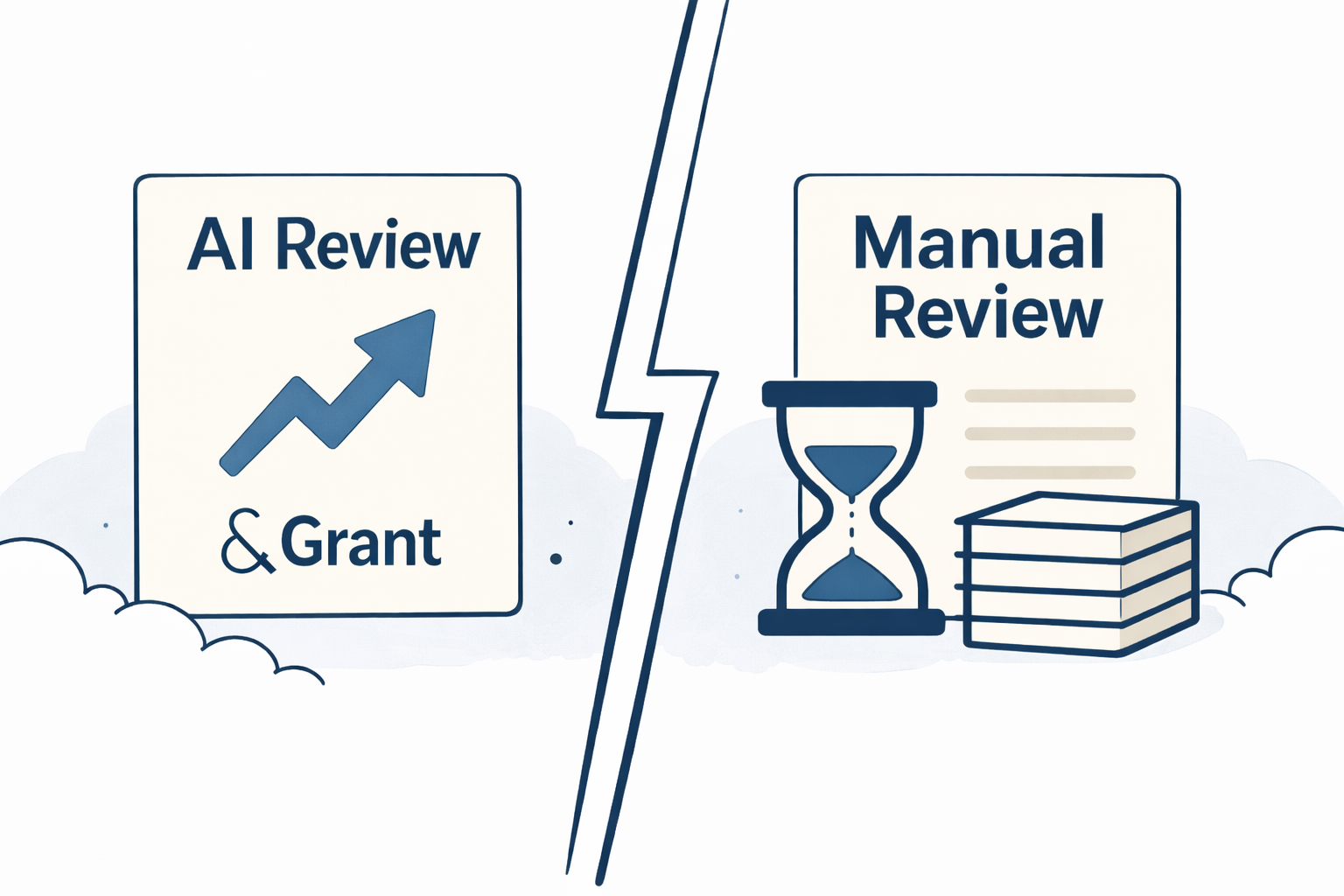
The Manual Bottleneck: Why Your Team is Slowing Down
For legal, procurement, and compliance teams, analyzing contracts can be difficult to repeat consistently. In a traditional process, reviewers often read two documents side by side, trace related clauses, and note differences manually. That approach can become time-consuming, subjective, and inconsistent, especially when teams are reviewing multiple drafts or working to tight deadlines.
When time is short, it's easy to overlook subtle changes or missing terms. This can lead to missed risks, compliance issues, or avoidable disputes. Qualified legal review remains important for interpretation and decision-making, but that time is often better spent on a focused list of material differences than on an unstructured first read of two documents.
AI Contract Comparison prepares a structured first pass of detected changes so reviewers can check the source documents, assess the differences, and decide what needs follow-up.
What Arthur & Co Does Differently: AI-Powered Contract Intelligence
Arthur & Co, which you can explore on our homepage, is a workflow platform for recurring back-office review work. Its contract comparison workflow compares vendor agreements with a baseline and explains why detected changes may matter, even when wording has been rephrased or moved.
The AI Contract Comparison feature, detailed on our features page, works by automatically:
- Flagging Changes, Deletions, and Missing Terms: It highlights detected deviations and gaps against the uploaded baseline.
- Highlighting Risks and Outlier Clauses: It brings attention to edits that may affect commercial, legal, or operational decisions.
- Structuring Review Follow-Up: The comparison helps reviewers prepare specific questions for supplier or legal follow-up.
- Showing Alignment with the Baseline: Clause-level annotations connect detected differences with the relevant sections of the two documents.
AI vs Manual: Workflow Comparison
The useful distinction is not a fixed processing-time promise. Manual comparison makes the reviewer locate and connect every related term. An AI-assisted workflow prepares those detected differences in a repeatable structure, leaving the reviewer to verify them and make the decision.
| Aspect | Manual | Arthur & Co AI |
|---|---|---|
| Time to complete | Varies with length and complexity | Processing time varies; findings arrive in a structured view |
| Change Detection | Reviewer locates and connects changes | AI surfaces detected deviations for verification |
| Risk Visibility | Subjective, relies on reviewer experience | Standardized, deep-risk detection |
| Negotiation Prep | Reviewer builds questions from scratch | Structured questions support supplier or legal follow-up |
| Scalable Across Teams | No, resource-heavy | Yes, simple and repeatable for high volume |
What Risks Does Arthur & Co Catch?
Manual review can be inconsistent, allowing subtle changes to slip through. Arthur & Co is designed to flag issues such as:
- Altered clauses such as payment terms, indemnities, liability wording, or termination language.
- Missing protections or non-standard language when the vendor draft differs from the baseline.
- Areas that may change commercial, legal, or operational exposure and need closer review.
This includes often-missed hidden risks such as Silent Omissions, Buried Renewals, Reworded Risk, Incomplete Obligations, and Baseline Conflicts. By flagging these risky or nonstandard clauses before you sign, Arthur & Co gives you the leverage to negotiate better terms and avoid disputes down the line.
Try the Contract Comparison Workflow
Arthur & Co uses a guided, file-first workflow. You upload the baseline and the vendor draft to run the comparison, without needing an integration before you start.
- Upload your standard baseline template.
- Upload the vendor contract you received.
- Click Compare.
- Review flagged risks, plain-English explanations, and the comparison summary.
Watch the walkthrough to see how the comparison is structured:
Conclusion
Manual contract comparison is difficult to repeat consistently at volume. Contract comparison gives procurement and legal teams a structured first pass without claiming that every issue will be found.
Use the output to focus human review, prepare supplier questions, and escalate the clauses that need qualified legal judgement.