AP automation for small finance teams: choose the job first
An invoice is waiting for approval, a supplier says a payment is missing, and employee receipts still need entering. These are three different jobs. Accounts payable automation for small finance teams works best when you choose the specific check that is slowing the queue and define what a usable result should contain.
Start with the files already available and the decision the reviewer needs to make. You can improve invoice matching or supplier reconciliation without first replacing your accounting system or automating every approval step.
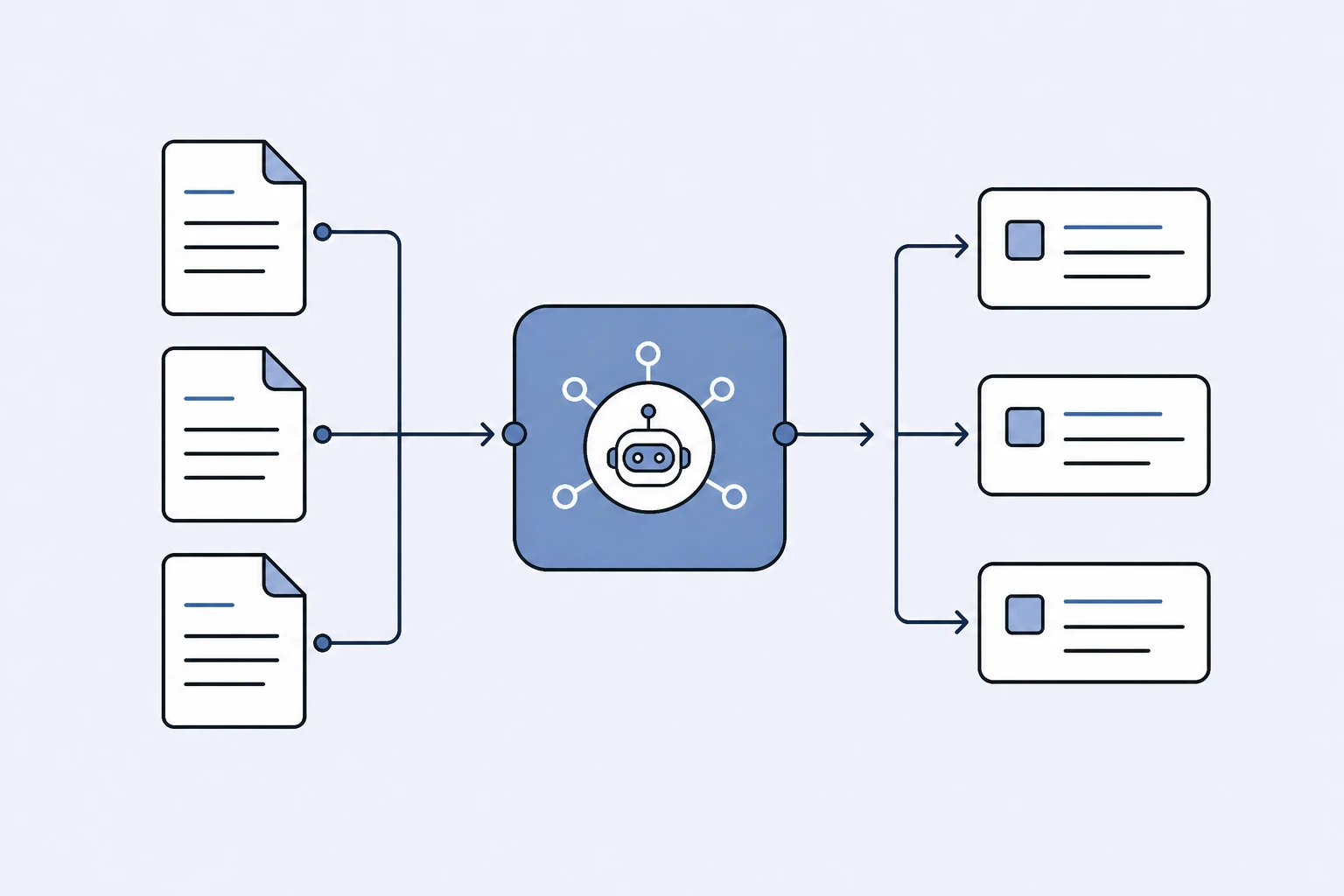
Choose the job before choosing the software
“AP automation” can include capture, matching, approval routing, payment execution and accounting integrations. A tool that does one of these well may not cover the others. Write down the task you need completed before comparing feature lists.
| What arrived | Records needed | Useful output | Next decision |
|---|---|---|---|
| Supplier invoice | Invoice and purchase order | Price, quantity and header differences | Investigate or continue approval |
| Invoice for delivered goods | Invoice, PO and delivery note | Ordered, invoiced and received differences | Resolve the billed quantity |
| Supplier statement | Statement and ledger | Matched items and unresolved credits/payments | Close or query the balance |
| Employee receipt | Clear receipt image or PDF | Merchant, date, currency, tax and total | Review the expense record |
Receipt extraction prepares expense data; it does not prove that a supplier invoice agrees with an order. A supplier statement summarizes account activity; it does not replace the source invoice. Keeping those distinctions visible prevents a successful demo of one task from becoming an assumed promise about another.
Start where the exception has a clear owner
A good first pilot has repeatable inputs and a reviewer who can tell whether the output is useful. For example, an AP coordinator may compare invoices with approved purchase orders and pass price differences to the buyer.
Choose a manageable set containing both straightforward and difficult cases. Include a clean match, a price difference, a quantity difference and an unclear source. Use genuine records you are authorized to process, or a clearly labelled synthetic test pack.
Record the current process before introducing a tool: which files are opened, who checks them, which values are compared and how the reviewer records a decision. You need this baseline to distinguish work removed from work merely moved elsewhere.
A practical invoice-matching pilot
In this fictional example, a purchase order lists 100 units at €12 each. The invoice lists 100 units at €14. The quantity agrees, but the line amount is €200 higher before tax.
A useful result should show both prices, the matched item and the calculation. A generic warning such as “invoice risk detected” leaves the reviewer to repeat the comparison. An automatic approval would go further than the evidence permits.
Ask the buyer whether there is an approved order amendment or an agreed additional charge. Record that explanation with the source documents. Your established finance process determines whether the invoice can proceed.
Arthur & Co's invoice-to-PO matching workflow supports this two-document check. If you already have a discrepancy to investigate, the invoice and purchase-order mismatch guide shows how to check revisions, units and price bases before contacting the supplier.
Add delivery evidence when quantity received matters
Matching an invoice to a PO shows whether the bill agrees with the order. It does not establish that the goods arrived. For that question, you need the delivery record as well.
Suppose 100 units were ordered and invoiced, but the delivery note records 80. The invoice and PO agree, yet the received quantity requires investigation. Check whether another delivery is outstanding, another note is missing, or the billing terms explain the difference.
Oracle's matching-level documentation distinguishes two-way comparison from checks involving receipts. Use that distinction when evaluating any AP product; do not assume that accepting three files means every receipt-allocation scenario is supported.
Evaluate the review, not just the extraction
Use a short scorecard for each test case:
- Did the tool identify the correct supplier, order and invoice?
- Are quantities, unit prices, amounts and currency visible?
- Can the reviewer trace the difference to the source records?
- Are uncertain or missing values explicit?
- Can the result be retained with the review record?
- Does the next action fit the existing approval process?
Measure reviewer effort on the same cases before and after the pilot. Count missed differences, incorrect matches and time spent checking false alarms. A fast upload is not useful if the reviewer must reconstruct the entire result.
Include an easy case too. A system that marks every invoice for investigation may appear cautious but can create a new queue instead of helping the existing one.
Put supplier reconciliation in its own lane
When the supplier's closing balance differs from your ledger, use a statement-reconciliation process. Its questions concern missing invoices, credits, payment allocation and timing differences across the account.
The supplier statement reconciliation guide explains a complete balance bridge. It is a complementary AP job, not another name for checking an individual invoice.
Keep separate measures for each workflow. Invoice review may focus on exceptions per pack and review effort. Reconciliation may focus on the age and resolution of unmatched items. Combining them into one headline “automation rate” can hide where work remains.
Check the cost of your actual workload
Estimate the number of checks, combined document pages, reviewers and retained results you need. Then compare that workload with the plan's actual allowance. File count and page count are not interchangeable.
Arthur & Co's workflow pages explain the free entry and paid continuation. The Platform plan includes the active workflows, so a team can use related AP jobs in one workspace. Confirm the current allowance on the pricing surface instead of estimating capacity from a credit number alone.
If you need ERP synchronization, automatic payment execution or a complex approval engine, include those requirements explicitly in your software evaluation. A file-based matching workflow may complement that system, but should not be described as a replacement for capabilities it does not provide.
Expand after a useful first result
Finish the pilot with a short decision record: the tested cases, the result quality, the review effort and the gaps that still require another process. Keep the first workflow if it reliably helps your team complete its named job.
Then add the adjacent task with the next clearest input and output. That gives the team a practical sequence for improving AP without relying on an unsupported savings forecast.