AI workflow tools for SME back-office teams
Most SME teams do not need a giant automation stack. They need the right tool for the right job, and they need it to start from files, not from a prompt that nobody on the team wants to write.
Want the short list? Start with Arthur & Co's back-office automation hub and see which workflow it should automate first.
What most teams get wrong
They buy a generic tool because it sounds flexible. Then they spend weeks wiring it together, teaching it the workflow, and still end up doing the review themselves.
A good workflow tool should reduce work from the first use. If it cannot process a contract, compare a document, or reconcile a statement when you upload the files, it is probably too abstract for a busy SME.
The tools that matter
For contract work, Contract review gives you a fast first pass. For supplier statements, Supplier reconciliation removes the reconciliation drag. For document comparison, Document comparison catches the version changes that humans miss.
That mix matters because back office is not one department. It is a set of recurring jobs that all create delay when they stay manual.
How to choose
Choose the tool that matches the file type, the output you want, and the number of times the task happens every month. If the same review appears every week, automate it first. If the task is ambiguous and rare, keep it human.
That is why a platform approach beats a random tool pile. One login, one credit pool, one system for the jobs you keep repeating.
Conclusion
The best AI workflow tool is not the loudest one. It is the one your team actually uses, because it saves time on the exact task that keeps slowing them down.
If you want that in one place, start with Arthur & Co's back-office automation hub and build the back office around the work that matters most.
What this means in practice
The practical difference is not abstract. The team spends less time deciding which app to use, less time reformatting inputs, and less time explaining the same workflow to different people.
When the tool is built for the job, the result is faster adoption and fewer mistakes. That is what makes a focused platform more valuable than a generic one in the daily life of an SME team.
How to choose between tools
The simplest decision filter is to ask three questions.
First, what file type are you dealing with? A contract needs different handling from a supplier statement or a document comparison. If the tool cannot understand the file type, it will never feel native to the workflow.
Second, what output do you want? Some teams need review questions and clause findings. Others need a comparison report or a list of mismatches. The best workflow tools are opinionated about the output, because that makes them easier to trust and easier to repeat.
Third, how often does the work happen? If it is weekly or monthly, it belongs on a shortlist. If it happens twice a year, do not over-engineer it.
That is why Contract review, Supplier reconciliation, and Document comparison are such strong fits for back-office teams. They map to real recurring jobs instead of vague “AI productivity” promises.
What a good stack looks like
A good stack does not feel like a pile of software. It feels like one operating layer with clear jobs.
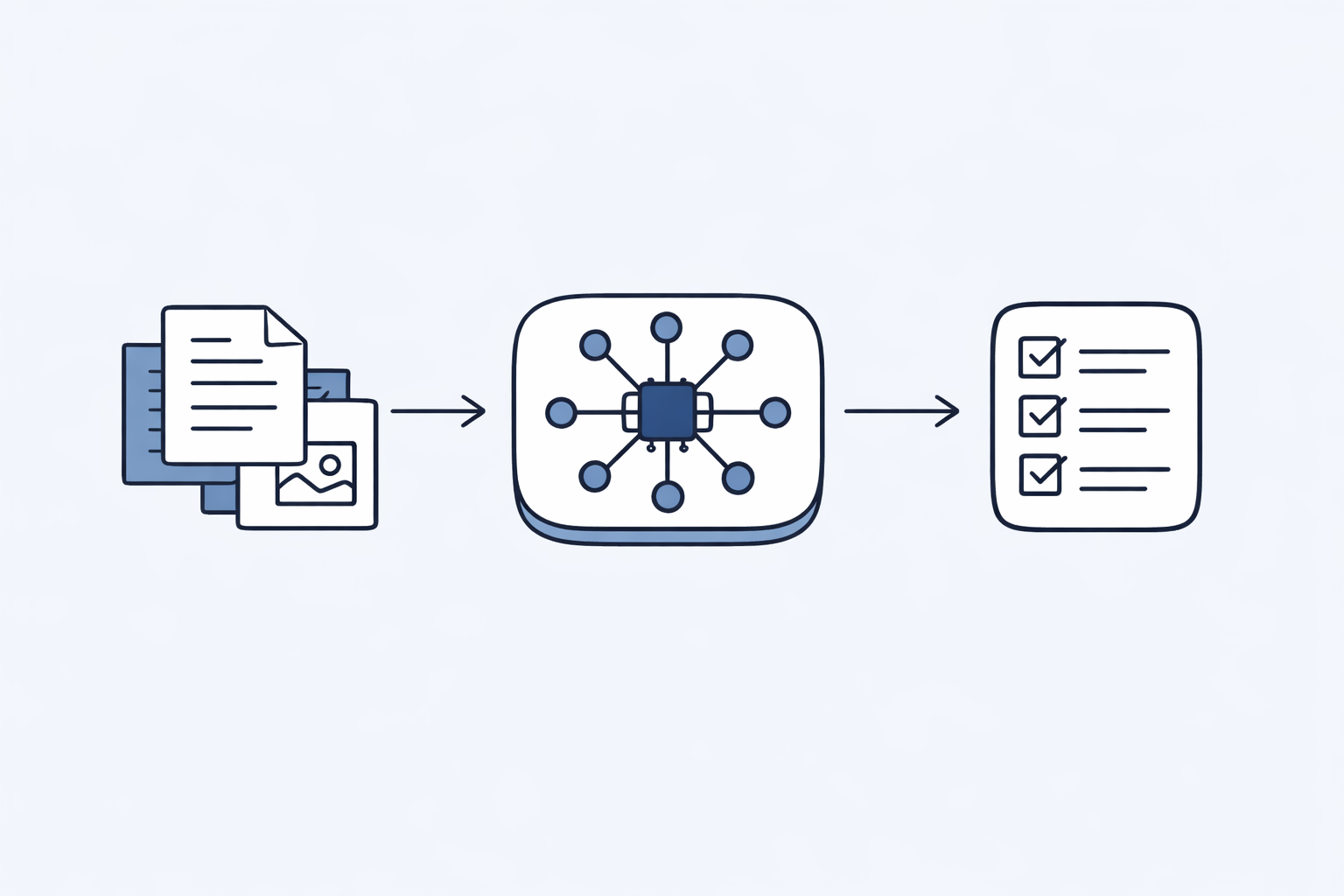
The team uploads the file. The platform routes the file to the right agent. The agent does the first pass. A human checks the exceptions and makes the final call. That is the pattern.
The problem with generic automation tools is that they often shift work around instead of removing it. You get a dashboard, a setup flow, and a long list of rules to manage. The team still has to do the thinking that the tool was supposed to reduce.
By contrast, a focused workflow tool should make the work easier within minutes. If it does not, it is probably not the right fit for an SME back office that is already busy.
The risk of too many tools
Many teams think they need separate tools for every department. That creates confusion fast. Finance ends up in one app, operations in another, and procurement in a third. Nobody remembers which tool owns which task.
One shared platform avoids that mess. It keeps the mental model simple and the adoption path short. People do not need to relearn a new interface for every file they touch.
That is also why a shared credit pool matters. It lets teams move workload around without rethinking procurement every time a task shifts between finance, ops, and legal.